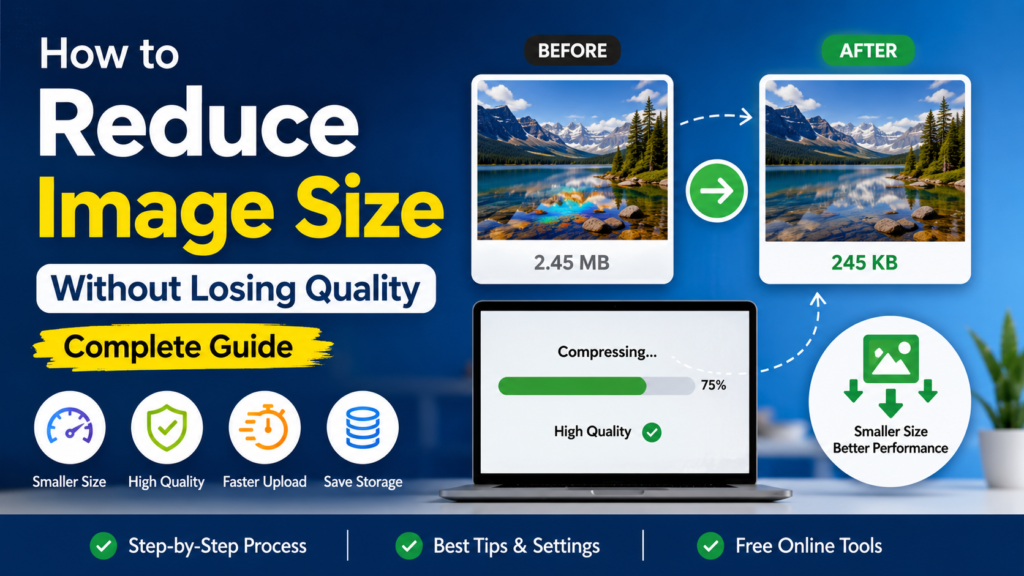
Reduce Image Size online for free without losing quality. Compress photos in seconds using CombineJPGOnline.com on any device. No installation required.
Large image files can make websites load slowly, take longer to upload, and consume unnecessary storage space. Whether you’re sending photos by email, sharing images on social media, submitting online forms, or optimizing a website, oversized images can become a frustrating problem.
The good news is that you don’t need expensive software or technical knowledge to solve it. You can Reduce Image Size in just a few clicks using an online tool. With CombineJPGOnline.com, anyone can compress images quickly while maintaining excellent visual quality, making image optimization simple for beginners and professionals alike.
What is Reduce Image Size?
Reduce Image Size is the process of decreasing the file size of an image while keeping it visually clear and usable. Image compression removes unnecessary data and optimizes the file so it occupies less storage space.
Smaller image files provide several advantages:
- Faster website loading speeds
- Quicker uploads and downloads
- Easier email attachments
- Lower storage usage
- Better user experience
- Improved SEO performance
Modern compression techniques allow you to shrink image files significantly without noticeable quality loss.
How to Reduce Image Size Online?
Follow these simple steps to compress your images.
- Upload Your Images: Open CombineJPGOnline.com and upload one or multiple JPG images from your computer, tablet, or smartphone. The tool works instantly without requiring any software installation or account registration.
- Choose Compression Settings: Select the compression level that best matches your needs. Choose High Quality for maximum clarity, Balanced Compression for the ideal balance of quality and file size, or Maximum Compression for the smallest possible image size.
- Start Compression: Click the Compress button to begin. The tool automatically reduces your image size within seconds using secure browser-based processing.
- Preview the Results: Compare the original and compressed images to verify the quality and file size reduction before downloading the final version.
- Download Your Optimized Images: Save your compressed images individually or download them all at once. Your optimized files are ready for websites, emails, social media, and online document submissions.
Why Use CombineJPGOnline.com Image Size Reducer?
- Fast and Free: Reduce image size in just a few seconds without paying any fees or creating an account.
- Preserves Image Quality: Advanced compression technology minimizes file size while keeping your photos clear and sharp.
- Works on Any Device: Compress images seamlessly on Windows, Mac, Android, iPhone, and tablets using any modern web browser.
- No Software Required: Everything runs directly in your browser, so there’s nothing to download or install.
- Batch Compression: Upload and compress multiple JPG images at once to save time and improve productivity.
- Secure Processing: Your images are processed safely during compression, helping protect your privacy.
- Easy for Everyone: The simple interface makes it easy for beginners and professionals to reduce image size with just a few clicks.
- Improves Website Performance: Smaller image files help web pages load faster, enhancing user experience and supporting better SEO.
- Perfect for Sharing: Compressed images upload faster to email, social media, cloud storage, and online forms.
- Completely Free: Enjoy all essential image compression features without subscriptions, hidden charges, or watermarks.
Benefits of Reducing Image Size
Reducing image size offers advantages beyond saving storage space.
- Faster Website Performance: Smaller image files load more quickly, helping your website deliver a smoother user experience. Faster pages can increase visitor satisfaction, reduce bounce rates, and improve overall site performance.
- Better SEO: Search engines prefer websites that load quickly. Optimized images contribute to faster page speeds, making image compression an important part of technical SEO and improving your chances of ranking higher.
- Faster Sharing: Compressed images upload and download much faster, making them ideal for sharing through Email, WhatsApp, Facebook, Instagram, online forms, and cloud storage without long waiting times.
- Save Device Storage: Reduced image sizes take up less space on your phone, tablet, or computer, allowing you to store thousands of photos without filling your device’s storage.
- Lower Data Usage: Smaller files require less internet bandwidth, helping you save mobile data while uploading, downloading, or sharing images online.
Comparison Table
| Feature | CombineJPGOnline.com | Manual Editing Software | Other Online Tools |
|---|---|---|---|
| Free to Use | ✅ Yes | ❌ Usually Paid | ⚠️ Limited |
| Browser Based | ✅ Yes | ❌ No | ✅ Sometimes |
| No Registration | ✅ Yes | ❌ No | ⚠️ Often Required |
| Batch Compression | ✅ Yes | ⚠️ Depends | ⚠️ Limited |
| Fast Processing | ✅ Excellent | ⚠️ Moderate | ⚠️ Varies |
| Beginner Friendly | ✅ Very Easy | ❌ Difficult | ✅ Average |
| Works on Mobile | ✅ Yes | ❌ Limited | ✅ Usually |
Tips and Best Practices
- Choose the Right Compression Level: Select a compression level based on your needs. Use medium or balanced compression when you want smaller file sizes while maintaining excellent image quality.
- Keep Original Images: Always save a copy of your original photos before compressing them. This allows you to restore the full-quality version if needed in the future.
- Compress Before Uploading: Optimize your images before uploading them to websites, blogs, online stores, or social media platforms to improve loading speed and reduce bandwidth usage.
- Resize Large Images: If your images have much larger dimensions than required, resize them first and then compress them for even better file size reduction.
- Compress Multiple Images Together: Use batch compression to optimize several JPG images at once, saving both time and effort when working with large collections.
- Test Website Speed: After uploading your optimized images, use a website speed testing tool to measure performance improvements and ensure your pages load as quickly as possible.
Frequently Asked Questions
1. How can I Reduce Image Size without losing quality?
Use a smart compression tool like CombineJPGOnline.com that optimizes images while preserving visual clarity.
2. Is it safe to compress images online?
Yes. Browser-based tools process your images securely without requiring software installation.
3. Does reducing image size affect image quality?
A small amount of compression usually has little or no visible impact on image quality.
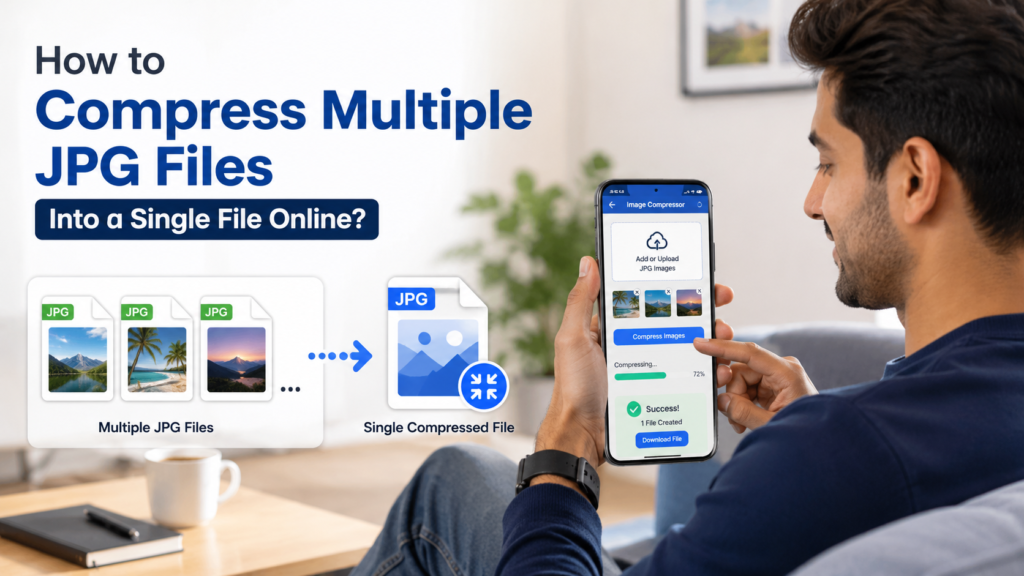
4. Can I compress multiple JPG images at once?
Yes. CombineJPGOnline.com supports batch image compression, saving time when working with many files.
5. Why should I reduce image size before uploading to a website?
Smaller images improve website speed, reduce bandwidth usage, and create a better user experience.
6. Can I use the tool on my phone?
Yes. The website works smoothly on Android phones, iPhones, tablets, laptops, and desktop computers.
Final Thoughts
If you regularly upload images, manage a website, send email attachments, or simply want to save storage space, it’s important to Reduce Image Size before sharing your files. Smaller images load faster, upload more quickly, and improve both user experience and website performance.
CombineJPGOnline.com makes image compression fast, free, and incredibly easy. There is no software to install, no registration required, and the process takes only a few seconds. Whether you’re compressing one photo or dozens of images, you can optimize them with confidence while maintaining excellent quality.
Start using CombineJPGOnline.com today and reduce your image size online for free in just a few clicks.
About The Author