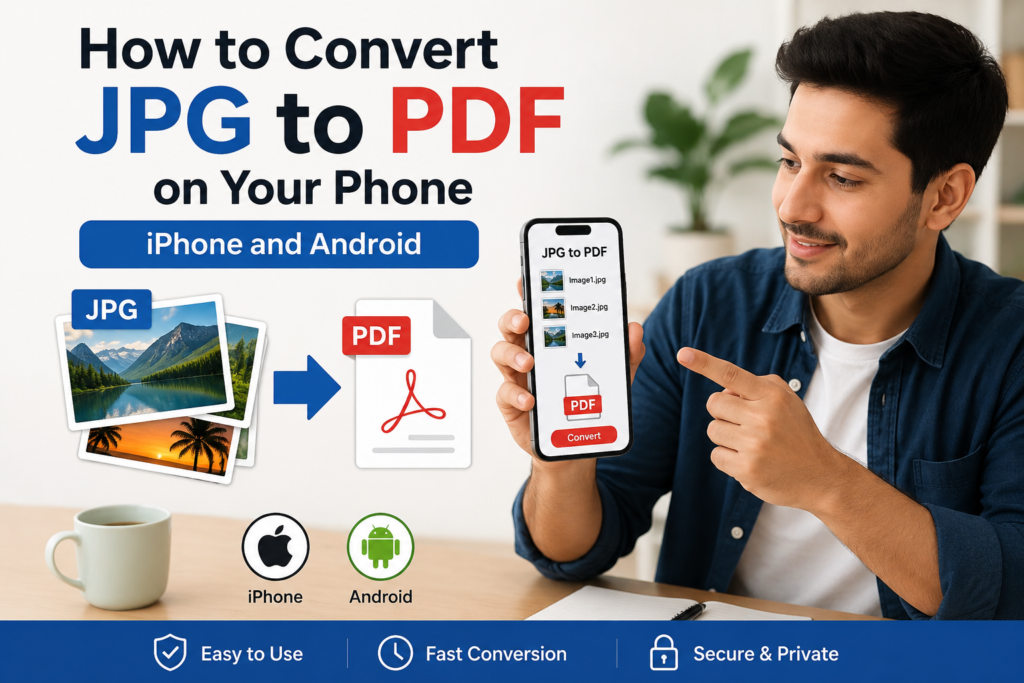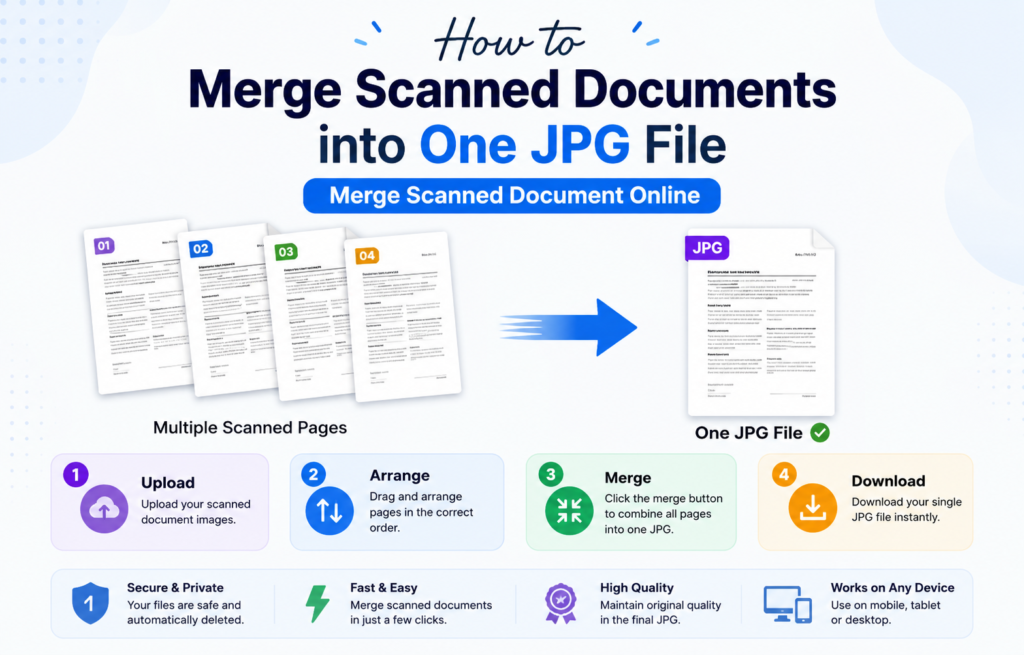
Are you looking for the method how to compress multiple JPG files into the Single file then you have to know that you are at right platform where you can easily check the method how to combine multiple JPG files into the single file. you can also combine multiple JPG file into Single file through our website https://combinejpgonline.com.

Managing multiple JPG images can be difficult when you need to share, store, or upload them as one document. Whether you are submitting assignments, sending business documents, creating portfolios, or organizing personal photos, combining several JPG files into a single compressed file is a practical solution.
In this guide, you will learn how to compressor combine multiple JPG files into one file quickly and efficiently using our online tool which is given below.
Why Compress Multiple JPG Files Into One File?
Combining multiple JPG images into a single file offers several benefits:
- Easier file sharing through email and messaging apps.
- Reduced storage space requirements.
- Better organization of documents and images.
- Faster uploads on websites and online portals.
- Professional presentation of multiple images in one file.
Many students, professionals, and business owners use this method to keep their files organized and accessible.
What Is Image Compression?
Image compression is the process of reducing the file size of images without significantly affecting their visual quality. Compression helps improve loading speeds, saves storage space, and makes files easier to transfer online.
When multiple JPG files are compressed into one file, the resulting document becomes easier to manage and distribute.
Steps to Compress Multiple JPG Files Into a Single File
If you want to Compress multiple JPG files into the Single File you have to follow the given steps to compress multiple JPG Files through the online tools.
Step 1: Select Your JPG Images
Choose all the JPG files you want to combine. Make sure the images are arranged in the correct order before uploading.
Step 2: Upload the Images
Use a reliable online image-combining tool and upload all selected JPG files.
Step 3: Arrange the Images
Most online tools allow you to drag and reorder images according to your preference.
Step 4: Combine the Files
Click the merge or combine button to process the images into a single file.
Step 5: Compress the Output
After combining the images, use the compression option to reduce the final file size while maintaining image quality.
Step 6: Download the Final File
Once processing is complete, download the compressed file to your device.
Benefits of Compressing Multiple JPG Files
Saves Storage Space
Compressed files occupy less space on computers, smartphones, and cloud storage services.
Faster File Sharing
Smaller file sizes upload and download more quickly, making sharing easier.
Improved Organization
Keeping multiple images in one file prevents clutter and simplifies file management.
Better User Experience
Compressed files load faster and are more convenient for recipients to access.
Common Uses of Combined JPG Files
People often combine and compress JPG images for:
- Educational assignments
- Business reports
- Job application documents
- Property image galleries
- Product catalogs
- Personal photo collections
- Digital portfolios
Tips for Best Results
- Use high-quality original images.
- Arrange images before combining them.
- Avoid excessive compression that may reduce image quality.
- Check the final file before sharing.
- Save a backup of the original images.
Why Use an Online JPG Compression Tool?
Online tools provide a fast and convenient way to combine and compress images without installing software. They work on desktops, tablets, and smartphones, making them accessible from anywhere.
Additionally, online tools often support bulk image processing, allowing users to handle multiple files simultaneously.
Conclusion
Compressing multiple JPG files into a single file is an effective way to organize, store, and share images. Whether you are preparing documents for work, education, or personal use, combining JPG files helps improve efficiency and reduce file management challenges.
By following the simple steps outlined above, you can quickly create a single compressed file from multiple JPG images and enjoy easier storage, faster sharing, and better organization.
Frequently Asked Questions (FAQs)
Can I compress multiple JPG files for free?
Yes, many online tools allow users to combine and compress JPG files at no cost
Will image quality decrease after compression?
A small reduction in quality may occur, but most modern compression tools maintain excellent visual quality.
Can I compress Multiple JPG files on a mobile phone?
Yes, online image tools work on smartphones, tablets, and desktop devices.
Is there a limit to the number of JPG files I can combine?
The limit depends on the tool being used. Many services support multiple file uploads.
Why should I compress Multiple JPG files before sharing?
Compressed files upload faster, use less storage space, and are easier to send through email and messaging platforms
About The Author