
Image Resizer Tool
Resize any image to exact dimensions — free, fast & no watermark
Free Image Resizer – Resize Photos Online Instantly
Big, oversized photos slow down websites, eat up storage, and refuse to fit neatly into social media posts or email attachments. That’s exactly the problem a good image resizer solves. Instead of installing heavy desktop software or learning complicated editing tools, you can now resize any picture directly in your browser — for free, in seconds, and without uploading your files to a mysterious server.
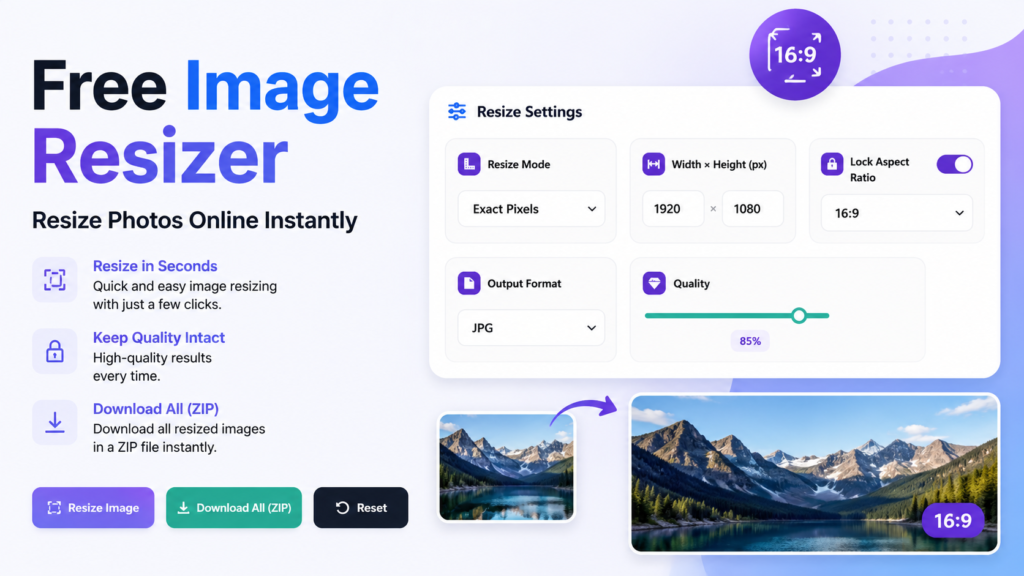
This post walks through what an image resizer actually does, why resizing images matters more than most people realize, and how to use our free online image resizer to get perfectly sized photos every single time.
What Is an Image Resizer?
An image resizer is a tool that changes the pixel dimensions of a photo — its width and height — without you needing to open Photoshop or any other complex software. A reliable image resizer lets you either type in exact pixel values or scale a photo down (or up) by a percentage, while keeping the image looking sharp and proportionate.
Our free image resizer does this entirely inside your browser. There’s no software to install and no file size limit set by a server, because the resizing happens on your own device using your browser’s built-in image processing engine.
Why You Need an Image Resizer
Here are the most common situations where an image or photo resizer becomes essential:
Faster websites. Large, unresized images are one of the biggest reasons websites load slowly. Running every photo through an image resizer before uploading it can dramatically cut page load times and improve search rankings.
Social media requirements. Instagram, Facebook, LinkedIn, and Twitter each prefer different image dimensions. An image resizer lets you quickly match each platform’s recommended size instead of guessing.
Email and storage limits. Photos straight from a phone camera are often 4–10 MB each. An image resizer shrinks them down so they attach to emails or forms without bouncing back.
Online stores and listings. Marketplaces like eBay, Etsy, and Amazon often require product photos within a specific size range. A quick pass through an image resizer keeps every listing consistent.
Document and ID photo uploads. Government forms, job applications, and visa portals frequently demand an exact pixel size — something only a precise image resizer can guarantee.
Key Features of Our Free Image and Photo Resizer
This image resizer was built to be fast, private, and genuinely free, with no hidden limits:
- Two resize modes – Resize by exact pixel dimensions or by a simple percentage scale, depending on what you need.
- Aspect ratio lock – Keep your photo’s proportions intact automatically, so resized images never look stretched or squished.
- Multiple output formats – Save your resized photo as JPG, PNG, or WEBP based on where you plan to use it.
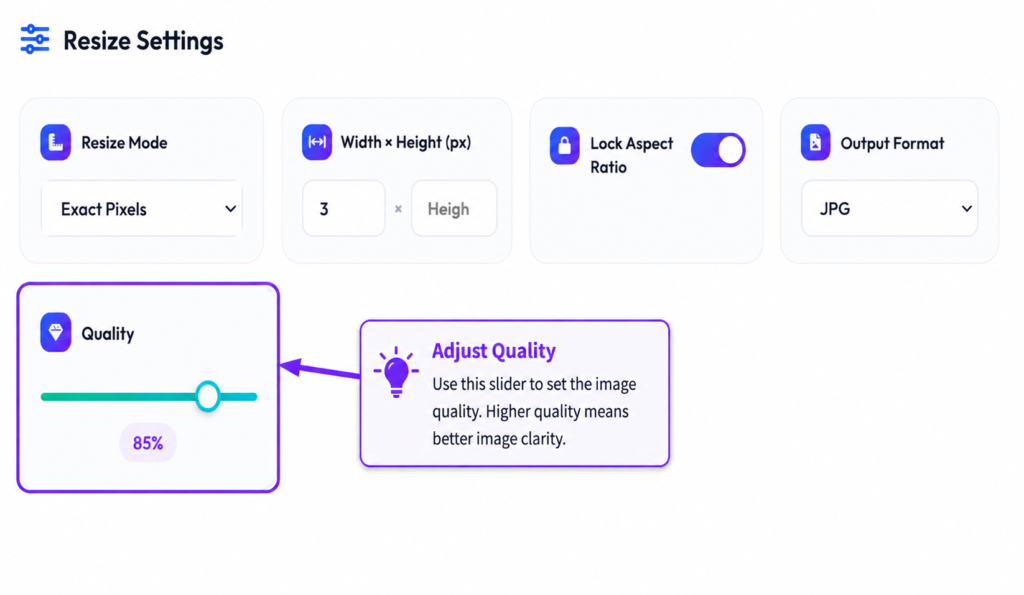
- Adjustable quality – Fine-tune compression quality to balance file size against image clarity.
- Batch resizing – Upload several images at once and resize all of them together, then download everything as a single ZIP file.
- 100% browser-based processing – Your photos are never uploaded to a server, which means this image resizer is private by design and works even with sensitive personal photos.
- No watermark, no sign-up – Resize as many images as you want, completely free, with no account required.
How to Use the Image Resizer?
Using the tool takes less than a minute:
- Upload your photos. Drag and drop one or more images into the upload area, or click to browse your device.

Choose your resize mode. Pick “Exact Pixels” if you need a specific width and height, or “By Percentage” to scale the image up or down proportionally.
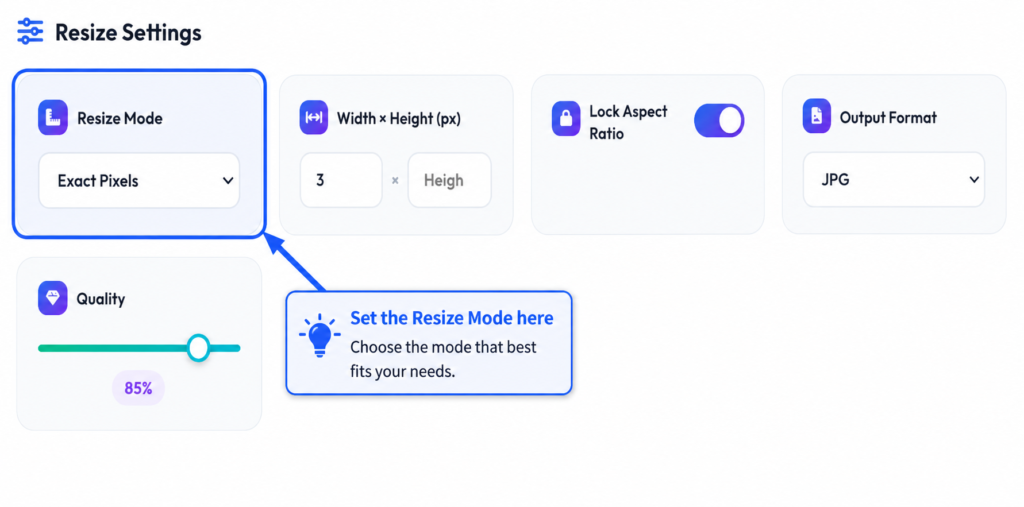
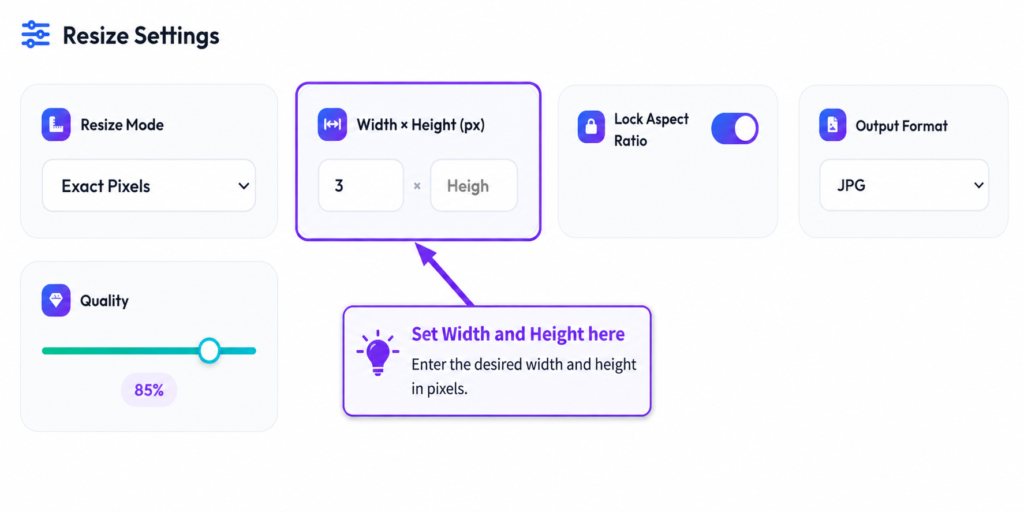
Set your dimensions. Enter the width and height you want the aspect ratio lock keeps things proportional automatically if you only adjust one value.
- Pick a format and quality. Select JPG, PNG, or WEBP, then adjust the quality slider to control file size.
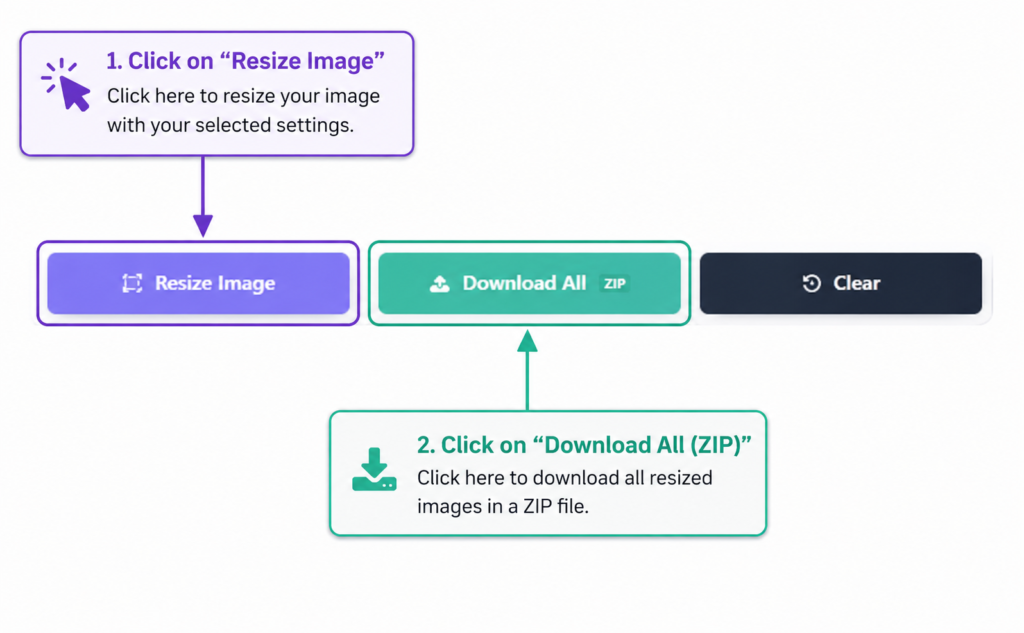
Click “Resize Images.” The tool processes every photo instantly. and Download your results. Save individual images or grab them all at once with the “Download All” button.
Tips for Getting the Best Results from an Image Resizer
A few small habits make a big difference when resizing photos:
- Always keep the aspect ratio locked unless you specifically want a stretched or cropped look an unlocked ratio can distort faces and objects.
- For website use, JPG or WEBP at 70–85% quality usually gives the best balance of sharpness and small file size.
- For logos, icons, or images that need a transparent background, choose PNG instead of JPG.
- When in doubt about social media dimensions, search the platform’s current recommended size before resizing, since these guidelines change occasionally.
Frequently Asked Questions
Is this image resizer really free? Yes. There’s no subscription, no watermark, and no limit on how many times you can use it.
Will resizing reduce image quality? Reducing dimensions has minimal impact on quality. The quality slider in the image resizer also lets you control compression directly, so you can keep files small without noticeable quality loss.
Can I resize multiple images at once? Yes. The image resizer supports batch uploads, so you can resize and download many photos in one go.
Is it safe to use for private photos? Yes. All resizing happens locally in your browser — your images are never sent to an external server.
Final Thoughts
Whether you’re optimizing photos for a faster website, preparing images for social media, or simply trying to fit a file under an upload limit, a dependable image resizer saves time and avoids the frustration of mismatched dimensions. Try the free online image resizer above and get perfectly sized photos in seconds — no downloads, no sign-ups, no watermarks.