
PDF to JPG Converter
Turn every page of a PDF into a JPG image — free, fast & no watermark
Free PDF to JPG Converter – Extract JPG Images from PDF Online Without Losing Quality
Convert PDF pages into high-quality JPG images online for free. Fast, secure, no watermark, no registration, and works on all devices.PDF files are one of the most common document formats used for sharing reports, presentations, scanned documents, invoices, assignments, brochures, and ebooks. However, there are many situations where you need the content as an image instead of a PDF.
Whether you’re sharing a single page on social media, creating presentations, sending scanned documents, or uploading images to websites, converting PDF pages into JPG images is often the easiest solution.Our Free PDF to JPG Converter makes this process incredibly simple. Upload your PDF, choose your preferred settings, and convert every page into a high-quality JPG image within seconds. No software installation, no complicated steps, and no watermark
The tool works directly inside your browser, making it faster, safer, and more convenient than traditional desktop applications. Whether you’re using Windows, Mac, Android, iPhone, or Chromebook, you can convert PDFs to JPG anytime, anywhere.
What Is a PDF to JPG Converter?
A PDF to JPG Converter is an online tool that transforms one or more pages from a PDF document into JPG image files. Instead of viewing information as a document, every page becomes an individual image that can be easily:
- Share on social media
- Upload to websites
- Insert into presentations
- Send through messaging apps
- Print as images
- Store in photo galleries
- Edit using image editing software
Unlike screenshots, converting a PDF preserves the entire page at high resolution, ensuring the text remains sharp and readable.
Features of Our Free PDF to JPG Converter
Our online tool is designed to provide a smooth and professional conversion experience while maintaining excellent image quality.
High-Quality JPG Output
Every PDF page is converted into a sharp, clear JPG image with excellent text readability and vibrant colors. Even documents containing graphics, charts, logos, or scanned pages maintain impressive quality after conversion.
Convert Every Page Automatically
Instead of converting pages one by one, the tool automatically processes every selected page from your PDF. This saves time, especially when working with multi-page documents.
Convert Selected Pages
Don’t need the entire PDF?
Simply specify the page numbers or page range you want to convert.
Examples include:
- Page 1
- Pages 2–5
- Pages 4, 8, and 10
This feature helps save both time and storage space.
Multiple Resolution Options
Choose the output quality that best matches your needs. Available options include:
- Standard Resolution
- High Resolution
- Maximum Resolution
Higher resolutions are ideal for printing, while standard resolution offers faster downloads and smaller file sizes.
Adjustable JPG Quality
Need smaller images for email? Or maximum quality for printing? Simply adjust the JPG quality slider before converting your PDF. This gives you complete control over the balance between image quality and file size.
Download Individual Pages
After conversion, every page appears as a preview. You can download each JPG separately with a single click. This is useful when you only need a few pages instead of the complete document.
Download All Images as ZIP
If your PDF contains many pages, downloading images individually can take time. Our tool allows you to download every converted JPG inside one convenient ZIP file. Extract the ZIP folder once, and all your images are ready.
Combine All Pages into One Long JPG
One of the most useful features is the ability to combine all PDF pages into one continuous JPG image. This is especially helpful for:
- Chat conversations
- Long reports
- Receipts
- Web tutorials
- Instruction manuals
- Infographics
Instead of multiple files, you’ll receive one long, scrollable image.
No Watermark
Many free converters add watermarks that reduce the professional appearance of your images. Our converter keeps every JPG completely clean without adding logos, text, or branding.
No Registration Required
There’s no need to create an account or provide personal information. Simply open the tool, upload your PDF, and start converting immediately.
How to Use the PDF to JPG Converter
Converting a PDF into JPG images only takes a few simple steps.
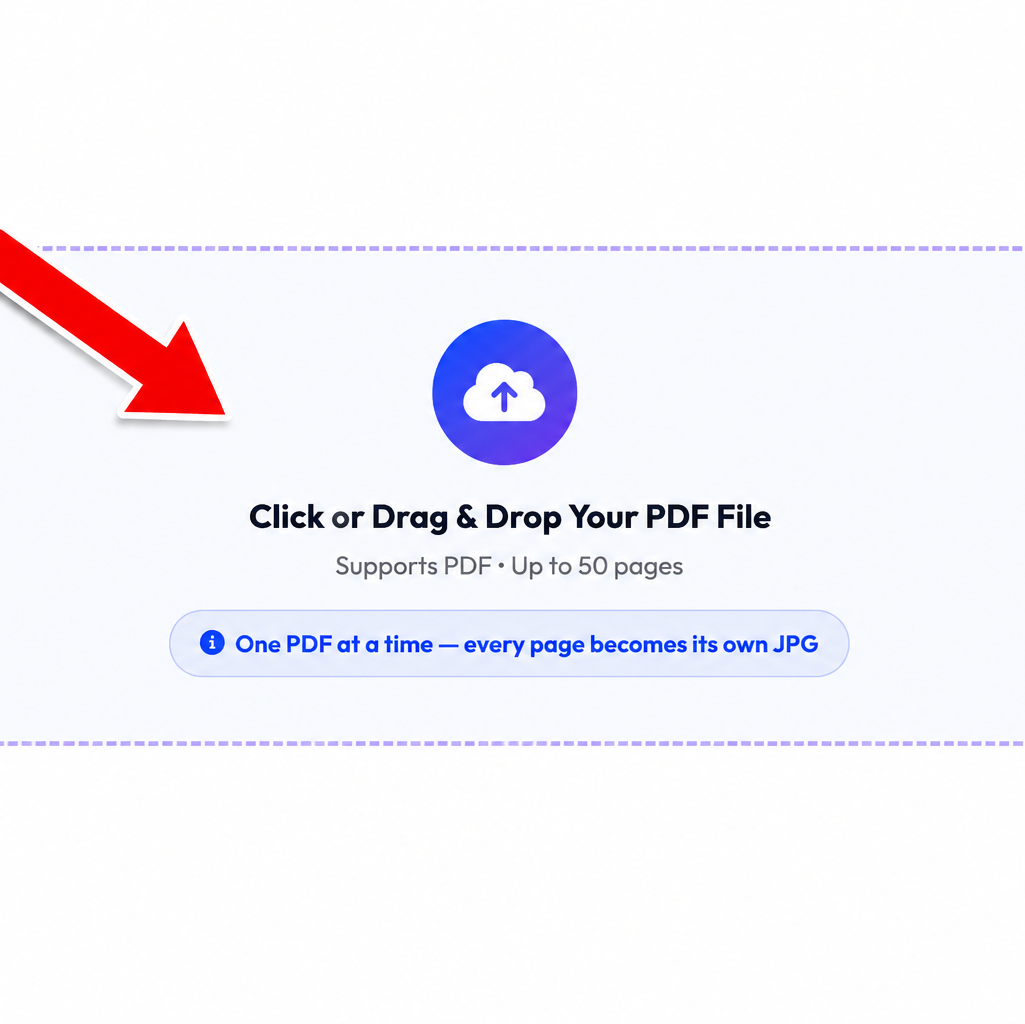
Step 1: Upload Your PDF
Click the Upload PDF button or drag and drop your PDF file into the upload area.
Step 2: Choose Your Settings
Customize the conversion by selecting:
- JPG quality
- Output resolution
- Page range
- Output style
Choose whether you want separate JPG files or one combined image.

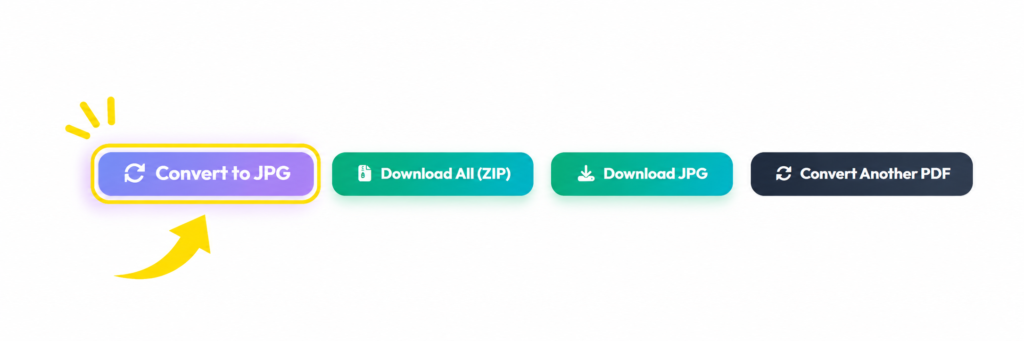
Step 3: Click “Convert to JPG”
Press the Convert to JPG button The tool will process your PDF and generate high-quality JPG images.
Step 4: Preview the Results
Once the conversion is complete, you’ll see previews of all converted pages. Review the images to ensure everything looks correct before downloading.
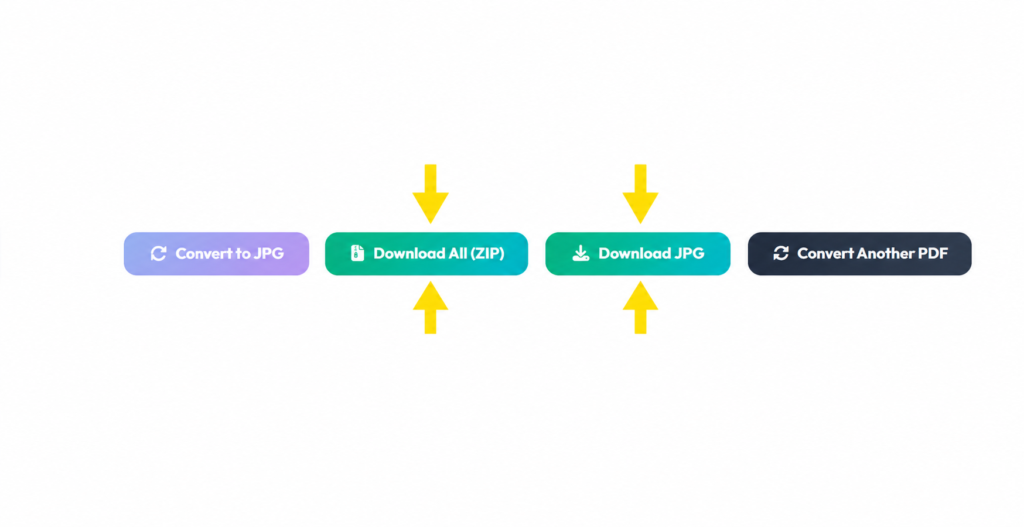
Step 5: Download Your JPG Images
Finally, download:
- Individual JPG pages
- All pages as a ZIP file
- One combined JPG image
Your converted images are now ready to use wherever you need them.
PDF to JPG Converter vs Other PDF Conversion Tools
| Feature | Our PDF to JPG Converter | Desktop Software | Online PDF Editors | Screenshot Method |
|---|---|---|---|---|
| Free to Use | ✅ Yes | ❌ Often Paid | ⚠️ Limited Free Version | ✅ Yes |
| No Registration Required | ✅ Yes | ✅ Yes | ❌ Usually Required | ✅ Yes |
| No Watermark | ✅ Yes | ✅ Yes | ❌ Sometimes | ✅ Yes |
| High-Quality JPG Output | ✅ Excellent | ✅ Excellent | ✅ Good | ❌ Lower Quality |
| Convert Every PDF Page | ✅ Yes | ✅ Yes | ✅ Yes | ❌ No |
| Convert Selected Pages | ✅ Yes | ✅ Yes | ⚠️ Limited | ❌ No |
| Adjustable JPG Quality | ✅ Yes | ✅ Yes | ⚠️ Limited | ❌ No |
| Multiple Resolution Options | ✅ Yes | ✅ Yes | ⚠️ Limited | ❌ No |
| Download Individual JPG Files | ✅ Yes | ✅ Yes | ✅ Yes | ❌ Manual Process |
| Download All Pages as ZIP | ✅ Yes | ⚠️ Depends on Software | ❌ Rarely | ❌ No |
| Combine All Pages into One JPG | ✅ Yes | ⚠️ Limited | ❌ Rare | ❌ No |
| Works on Mobile Devices | ✅ Yes | ❌ Usually No | ✅ Yes | ✅ Yes |
| Browser-Based | ✅ Yes | ❌ Installation Required | ✅ Yes | ✅ Yes |
| Secure File Processing | ✅ Yes | ✅ Yes | ⚠️ Depends on Provider | ✅ Yes |
| Fast Conversion | ✅ Instant | ✅ Fast | ⚠️ Depends on Server | ❌ Slow for Multiple Pages |
| Installation Required | ❌ No | ✅ Yes | ❌ No | ❌ No |
Is this PDF to JPG converter completely free?
Yes. Our PDF to JPG converter is completely free to use. You can convert PDF pages into high-quality JPG images without paying any fees or subscribing to a premium plan.
2. Can I convert multiple PDF pages into JPG images?
Yes. The tool converts every page in your PDF into a separate JPG image. You can also choose to combine all pages into one long JPG image if needed.
3. Does the tool reduce image quality?
No. The converter is designed to preserve image quality during conversion. You can also choose different resolution and quality settings to get the best results for your needs.
4. Can I convert only selected pages from a PDF?
Yes. You can specify individual page numbers or page ranges, such as 1, 3, 5 or 2–6, and convert only those pages.
5. Is there a file size limit?
The tool supports most standard PDF files. Very large PDFs with many pages may take longer to process depending on your browser and device performance.
Conclusion
Converting PDF files into JPG images has never been easier. Whether you need to share a document on social media, extract pages from a report, create presentation slides, or save scanned documents as images, our Free PDF to JPG Converter provides a fast, reliable, and hassle-free solution.
With support for high-quality image conversion, adjustable resolution and JPG quality, selected page conversion, individual and ZIP downloads, and the option to combine all pages into one long JPG image, this tool offers everything you need in one place. Since it works directly in your browser, there’s no software to install, no account to create, and no watermarks added to your files.
For More Image Tools visit our website when you Needed https://combinejpgonline.com/.